A practical checklist before choosing Xbox Cloud Gaming
Confirm the game, device, subscription and connectivity requirements as one decision.
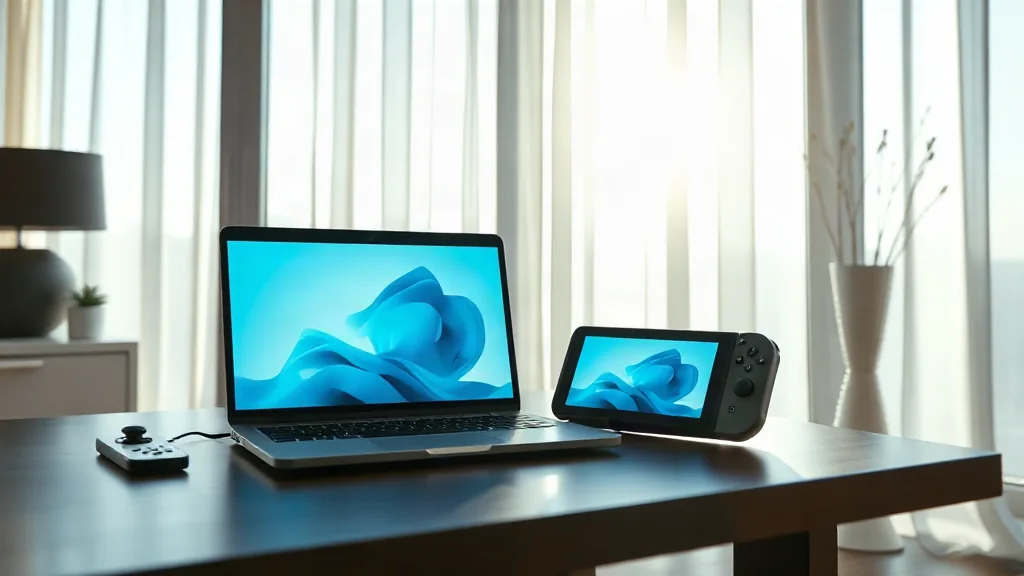
Xbox Cloud Gaming streams supported games on compatible devices. Begin with the current UK catalogue and the exact title you want to play, rather than assuming that a game mentioned in an older announcement remains included. Catalogue support is the first check, not the conclusion of the process.
Next, compare the service’s compatible-device information with the device you intend to use. Check the subscription requirements alongside it: finding a game and having a suitable device still leaves the question of the access conditions that apply to your account.
Finally, read the connectivity requirements before planning a session. These checks belong together because streaming depends on the game, device, subscription and connection meeting the relevant conditions. Recheck the information when your intended game or setup changes.